Lead Capture Forms
Section: Customer Relationship Management
URL:/admin/leads/forms
Page title: (2) Preluare leaduri utilizâmd formulare web
Overview
Lead capture forms are embeddable forms that collect leads from your website directly into the CRM.
Business value
Embeddable web forms that drop new leads straight into the CRM in real time — no manual data entry, no leaked submissions sitting in a marketing-only inbox.
- Who uses it: Marketing, sales, web team
- Key benefit: Cuts lead response time from hours to minutes — and faster response dramatically improves conversion.
- Metrics it influences: Lead response time, web-to-lead conversion rate
Typical use cases:
- Demo request form on the website creates a lead and notifies the assigned rep
- Newsletter signup adds a lead with the right source tag
- Event landing page captures attendees with consent tracking
At a glance
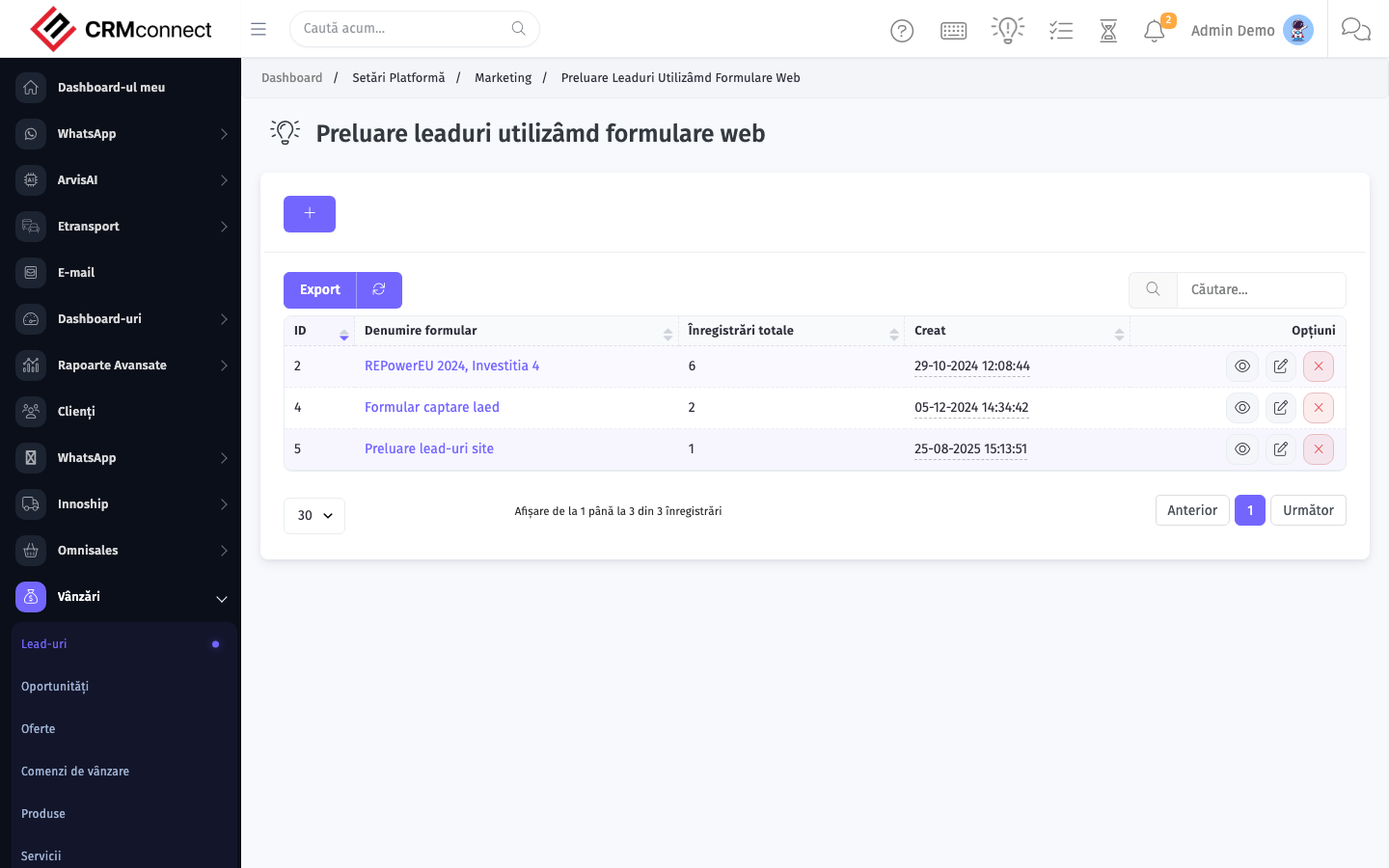
Accessing this module
From the admin sidebar, navigate to Lead Capture Forms, or open the URL directly:
/admin/leads/forms
List view
The list view shows existing lead capture forms records. Use it to search, filter, sort, and bulk-act on items.
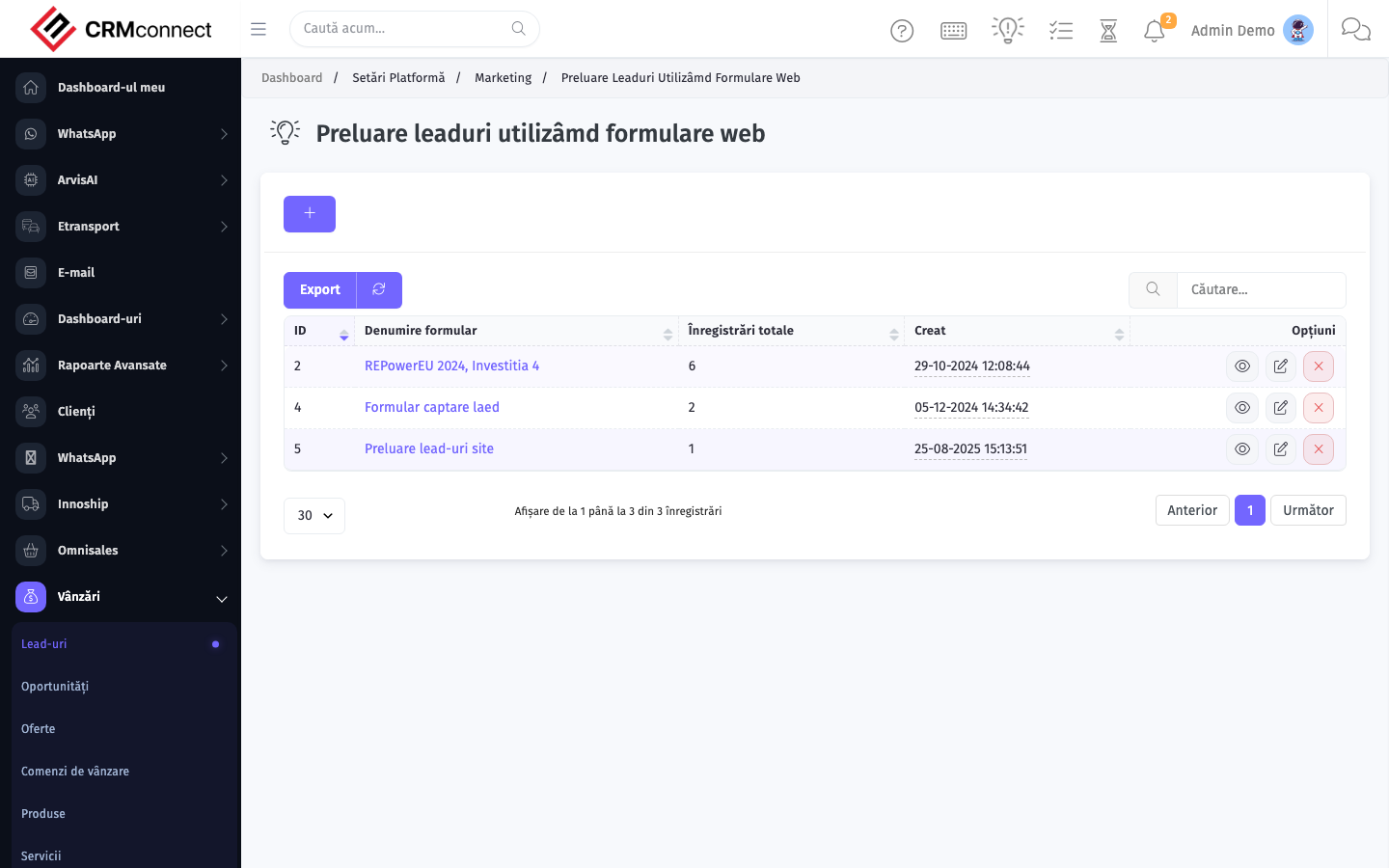
Common actions
- View existing records — open Lead Capture Forms from the sidebar to see the list view.
- Search and filter — use the search box and column filters to find records.
- Create a new record — click the Add / New button (or follow the "Create" URL above) and fill in the required fields.
- Edit a record — click a row to open the detail view, then use the edit action.
- Delete a record — use the row's delete action; deletion may be soft or hard depending on the module.
- Bulk operations — select multiple rows via the checkboxes and apply a bulk action from the toolbar (export, delete, status change, etc., where supported).
Captured: 2026-05-10T09:51:26.776Z · Source: demo.crmconnect.io/admin/leads/forms