Payment Modes
Section: Finance & Accounting
URL:/admin/paymentmodes
Page title: (2) Modalităti de plată
Overview
Configure the payment methods available — bank transfer, card, cash, online gateways.
Business value
The payment methods you accept — bank transfer, card, cash, online gateways. Each mode's rules (fees, settlement time, reconciliation account) are defined once.
- Who uses it: Finance, sales, e-commerce, customers
- Key benefit: Higher conversion (offer the methods customers want) and accurate fee accounting.
Typical use cases:
- Auto-record gateway fees on card payments
- Different reconciliation accounts per payment mode
At a glance
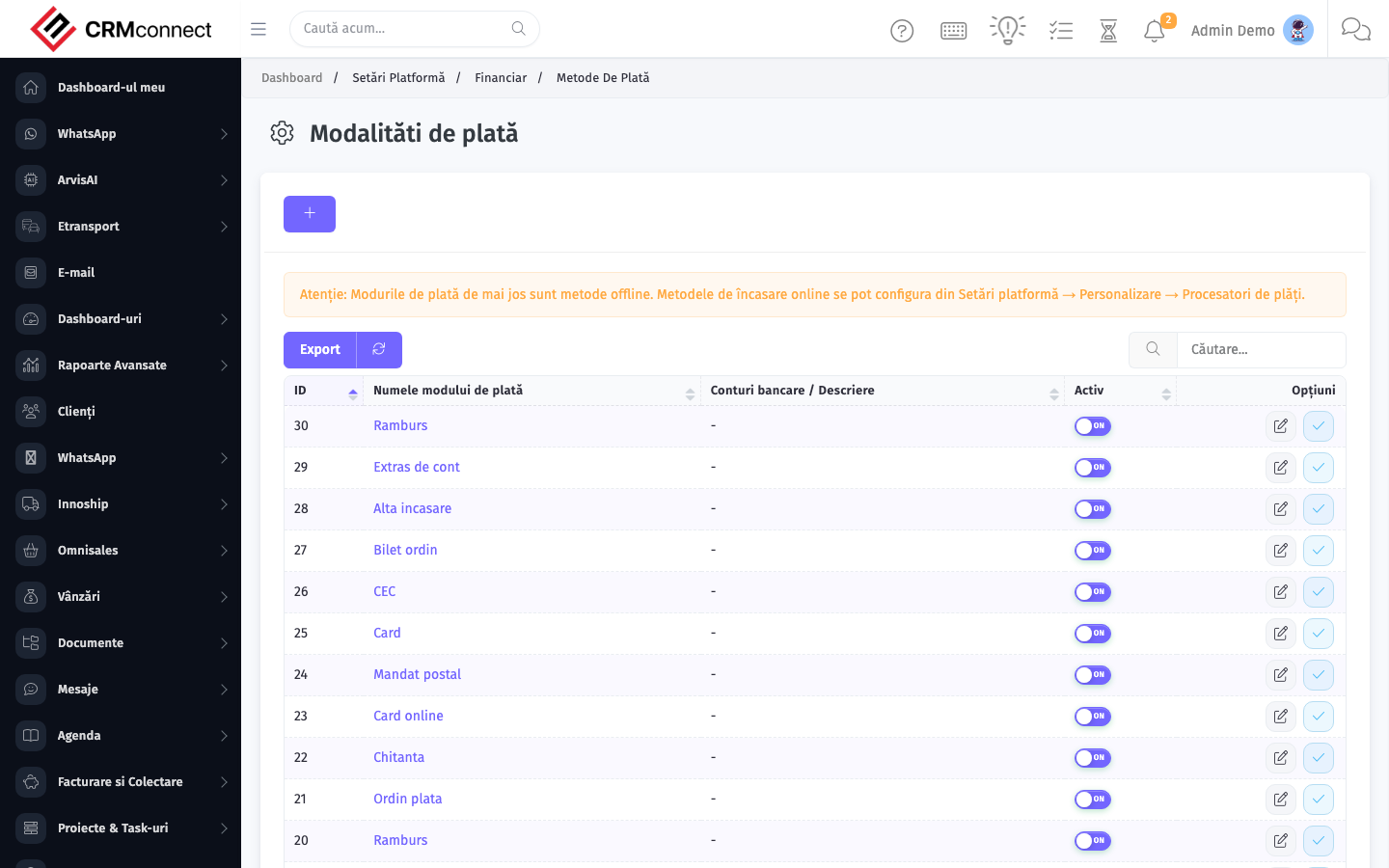
Accessing this module
From the admin sidebar, navigate to Payment Modes, or open the URL directly:
/admin/paymentmodes
List view
The list view shows existing payment modes records. Use it to search, filter, sort, and bulk-act on items.

Common actions
- View existing records — open Payment Modes from the sidebar to see the list view.
- Search and filter — use the search box and column filters to find records.
- Create a new record — click the Add / New button (or follow the "Create" URL above) and fill in the required fields.
- Edit a record — click a row to open the detail view, then use the edit action.
- Delete a record — use the row's delete action; deletion may be soft or hard depending on the module.
- Bulk operations — select multiple rows via the checkboxes and apply a bulk action from the toolbar (export, delete, status change, etc., where supported).
Captured: 2026-05-10T09:51:26.776Z · Source: demo.crmconnect.io/admin/paymentmodes