Payments
Section: Sales & Billing
URL:/admin/payments
Page title: (2) Încasări
Overview
The Payments module records cash inflows against invoices, supports multiple payment modes, and reconciles balances per client.
Business value
Records every cash inflow against the right invoice and customer, supports multiple payment methods (bank transfer, card, cash, online gateways), and reconciles balances so finance always knows who owes what.
- Who uses it: Finance / AR, controllers, sales operations
- Key benefit: Replaces the "Excel of payments" with an authoritative record that reconciles itself.
- Metrics it influences: Days-sales-outstanding, % cash applied automatically
Typical use cases:
- Match a bank transfer to an open invoice — partial-payment friendly
- Track partial collections without losing visibility on what's still owed
- Pull a per-client statement for reconciliation calls
At a glance
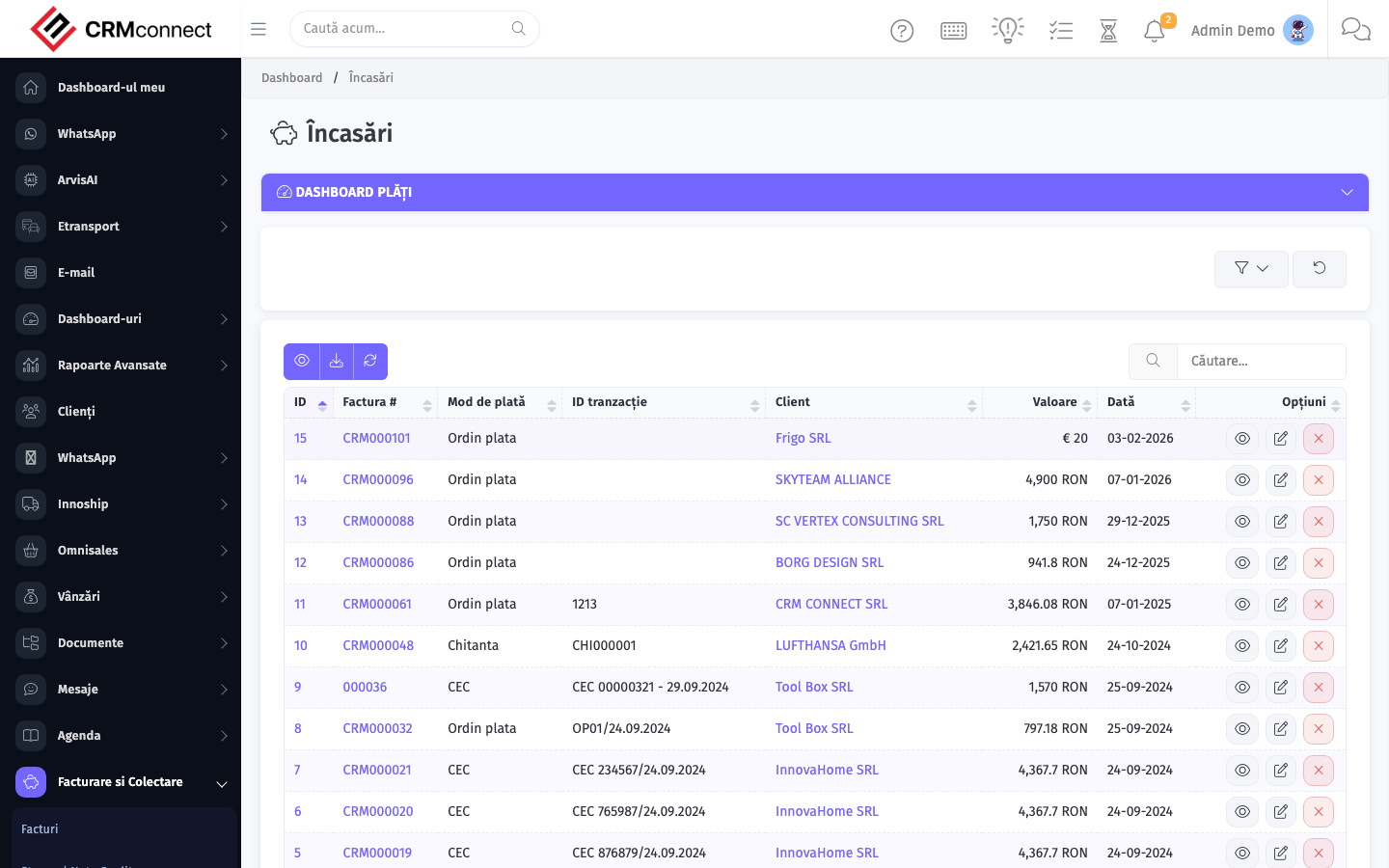
Accessing this module
From the admin sidebar, navigate to Payments, or open the URL directly:
/admin/payments
List view
The list view shows existing payments records. Use it to search, filter, sort, and bulk-act on items.
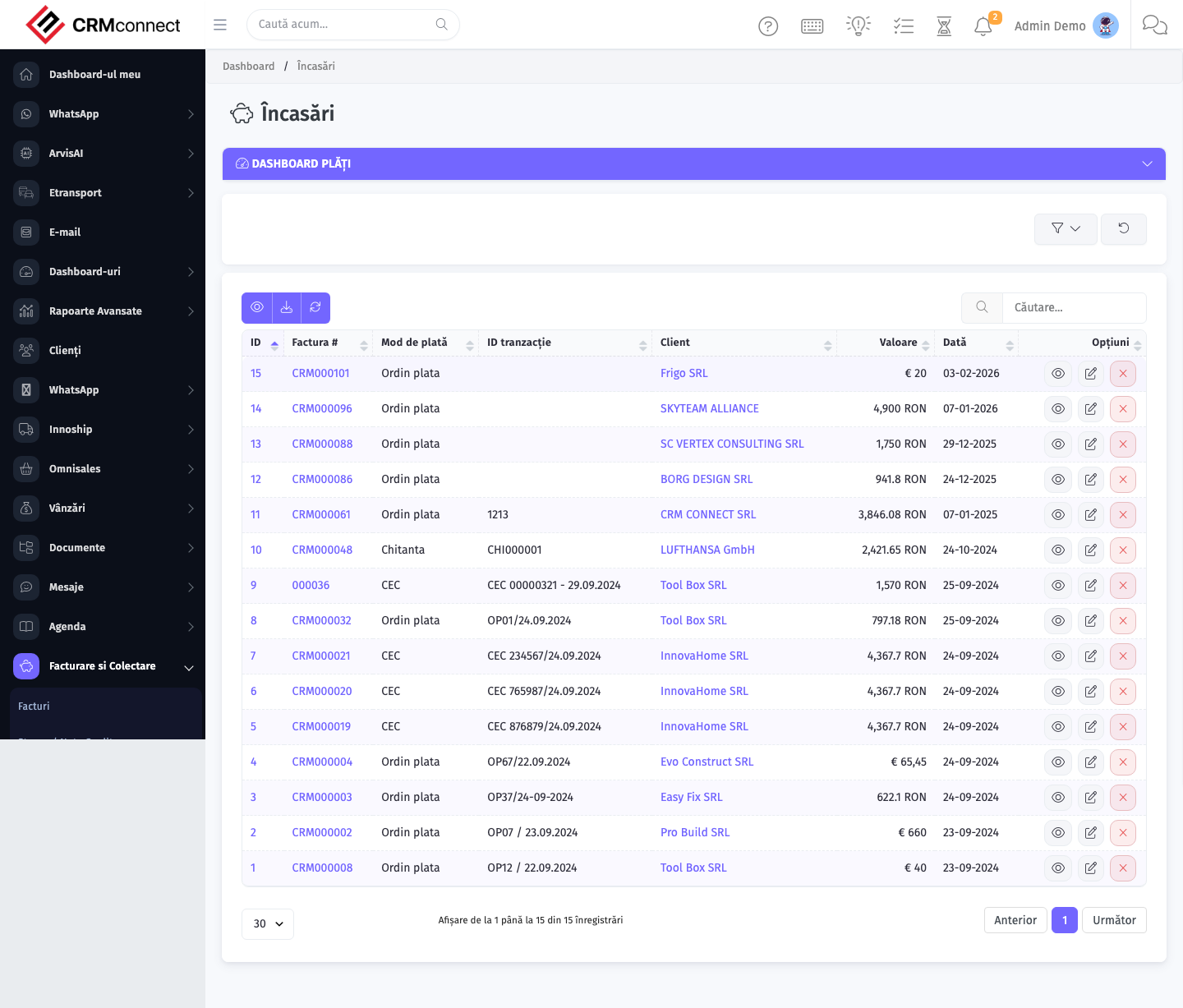
Common actions
- View existing records — open Payments from the sidebar to see the list view.
- Search and filter — use the search box and column filters to find records.
- Create a new record — click the Add / New button (or follow the "Create" URL above) and fill in the required fields.
- Edit a record — click a row to open the detail view, then use the edit action.
- Delete a record — use the row's delete action; deletion may be soft or hard depending on the module.
- Bulk operations — select multiple rows via the checkboxes and apply a bulk action from the toolbar (export, delete, status change, etc., where supported).
API
This module is available via the REST API.
Authentication. All API requests require the header authtoken: <token> (generate one at /admin/api/api_management).
Base URL. https://your-domain.tld/api/
Key endpoints:
| Method | Path | Purpose |
|---|---|---|
GET |
{{base_url}}payments?nr_page=&per_page= |
List all Payments |
GET |
{{base_url}}payments/1 |
Show One |
DELETE |
{{base_url}}delete/payments/1 |
Delete Item |
See the full payload schemas, query parameters, and example responses in the API reference (Payments).
Captured: 2026-05-10T09:51:26.776Z · Source: demo.crmconnect.io/admin/payments