Omni Sales Orders
Section: Omnichannel Sales & Manufacturing
URL:/admin/omni_sales/order_list
Page title: (2) OMS - Comenzi
Overview
Orders ingested from external sales channels (WooCommerce, marketplaces) for unified fulfilment.
Business value
Centralises orders from every external sales channel (WooCommerce, marketplaces, EDI partners) into a single fulfilment queue — so a multi-channel business operates like a single-channel one.
- Who uses it: Operations, fulfilment, customer service, e-commerce manager
- Key benefit: Scale to more channels without exponentially scaling operational complexity.
- Metrics it influences: Order-to-ship time, channel mix, cross-channel inventory accuracy
Typical use cases:
- WooCommerce orders auto-sync into the CRM and into the warehouse pick queue
- Single dashboard for marketplace, B2B, and direct orders
- Inventory deducts in real time across channels to prevent over-selling
At a glance
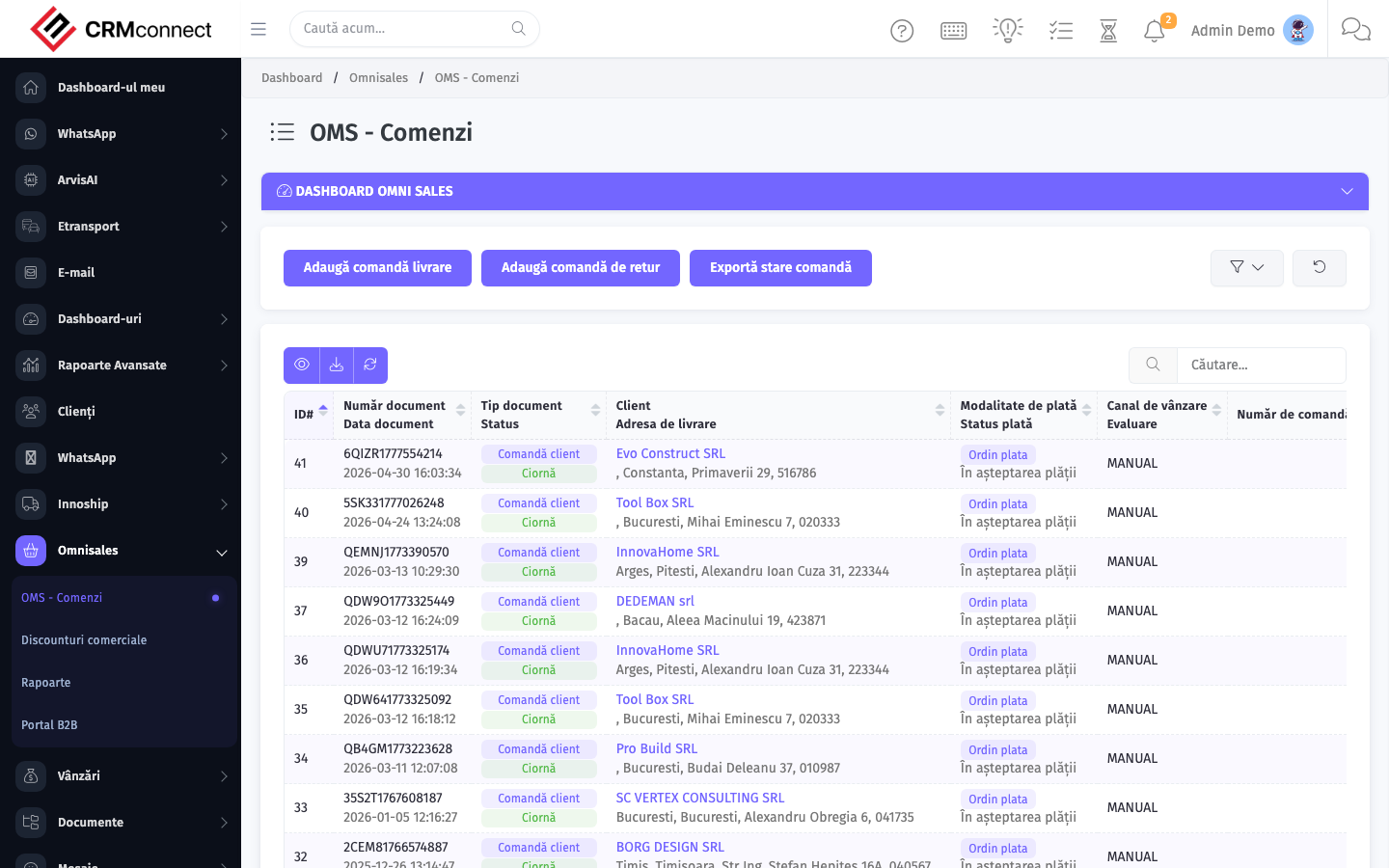
Accessing this module
From the admin sidebar, navigate to Omni Sales Orders, or open the URL directly:
/admin/omni_sales/order_list
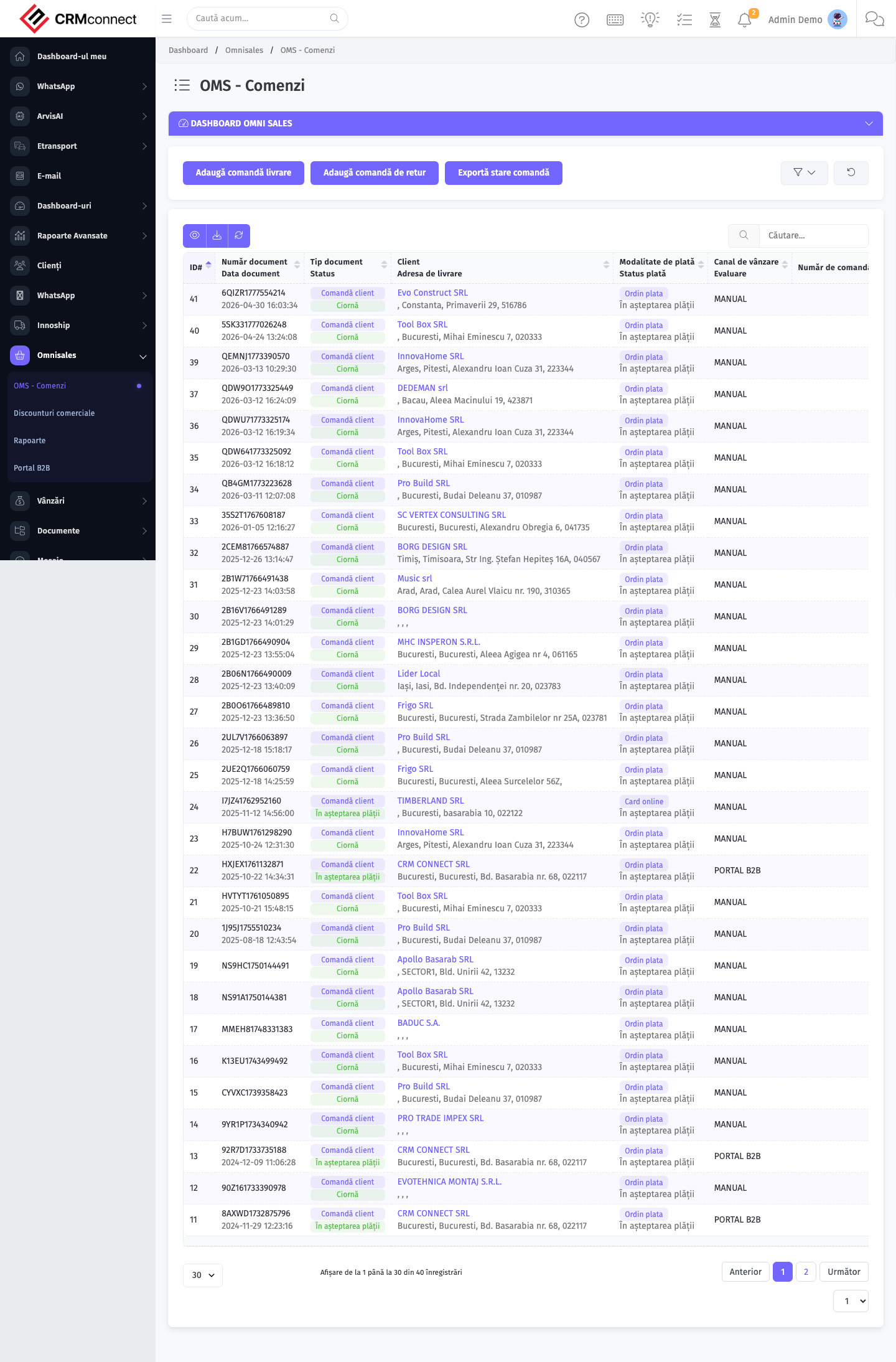
List view
The list view shows existing omni sales orders records. Use it to search, filter, sort, and bulk-act on items.
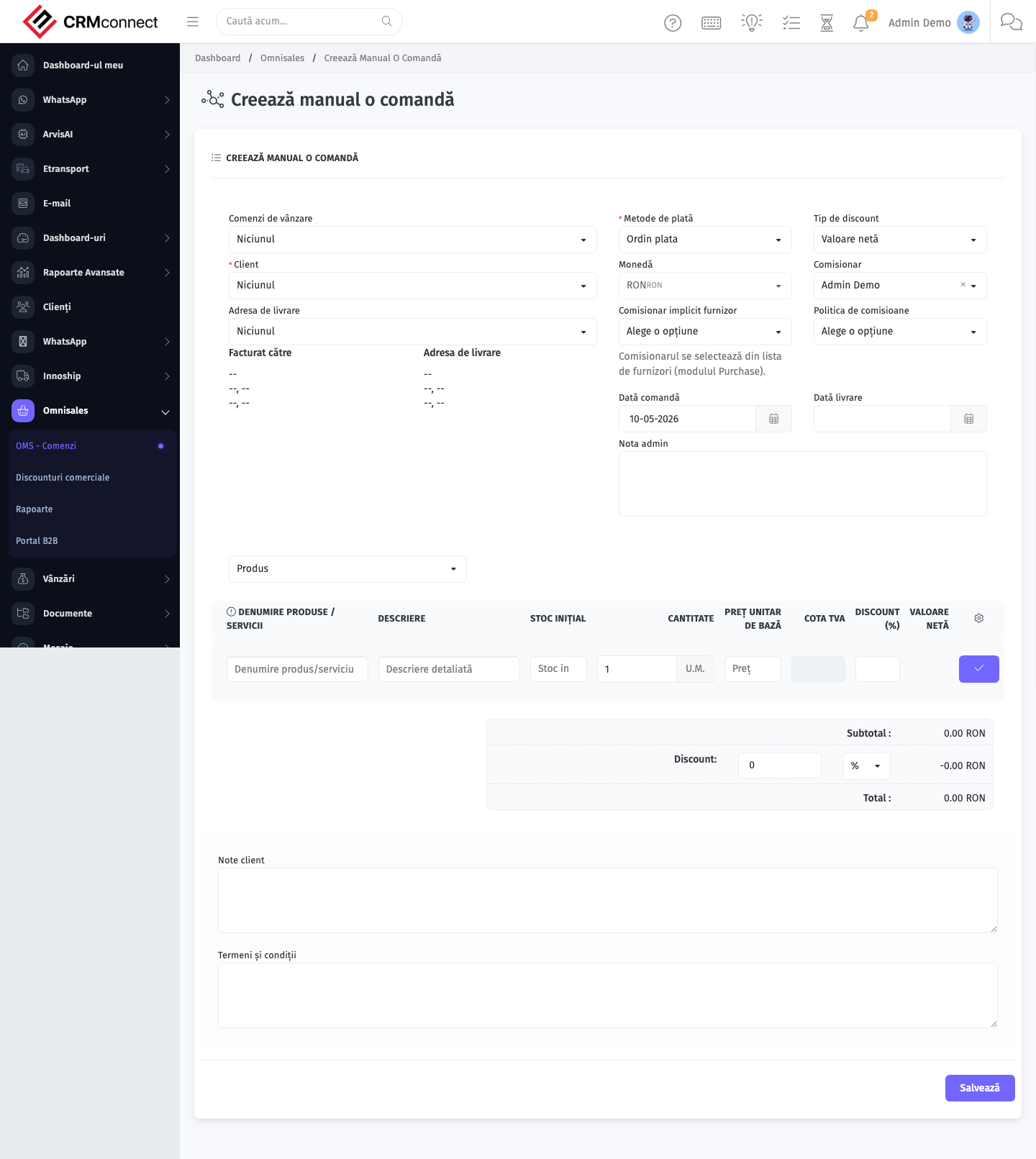
Create / edit form
Open the create form to add a new omni sales orders record. Editing an existing record uses the same form pre-populated with current values.
Common actions
- View existing records — open Omni Sales Orders from the sidebar to see the list view.
- Search and filter — use the search box and column filters to find records.
- Create a new record — click the Add / New button (or follow the "Create" URL above) and fill in the required fields.
- Edit a record — click a row to open the detail view, then use the edit action.
- Delete a record — use the row's delete action; deletion may be soft or hard depending on the module.
- Bulk operations — select multiple rows via the checkboxes and apply a bulk action from the toolbar (export, delete, status change, etc., where supported).
API
This module is available via the REST API.
Authentication. All API requests require the header authtoken: <token> (generate one at /admin/api/api_management).
Base URL. https://your-domain.tld/api/
Key endpoints:
| Method | Path | Purpose |
|---|---|---|
GET |
{{base_url}}omni_sales/orders?page=1&per_page=50 |
List |
GET |
{{base_url}}omni_sales/orders/{{omni_record_id}} |
Get one |
POST |
{{base_url}}omni_sales/orders |
Create (Not allowed) |
PUT |
{{base_url}}omni_sales/orders/{{omni_record_id}} |
Update status |
DELETE |
{{base_url}}omni_sales/orders/{{omni_record_id}} |
Delete (Not allowed) |
GET |
{{base_url}}omni_sales/order_types?page=1&per_page=50 |
List |
GET |
{{base_url}}omni_sales/order_types/{{omni_record_id}} |
Get one |
POST |
{{base_url}}omni_sales/order_types |
Create |
PUT |
{{base_url}}omni_sales/order_types/{{omni_record_id}} |
Update |
DELETE |
{{base_url}}omni_sales/order_types/{{omni_record_id}} |
Delete |
GET |
{{base_url}}omni_sales/sales_channels?page=1&per_page=50 |
List |
GET |
{{base_url}}omni_sales/sales_channels/{{omni_record_id}} |
Get one |
GET |
{{base_url}}omni_sales/sales_channels/search/{{search_key}} |
Search |
POST |
{{base_url}}omni_sales/sales_channels |
Create |
PUT |
{{base_url}}omni_sales/sales_channels/{{omni_record_id}} |
Update |
DELETE |
{{base_url}}omni_sales/sales_channels/{{omni_record_id}} |
Delete |
GET |
{{base_url}}omni_sales/channel_products?page=1&per_page=50 |
List |
GET |
{{base_url}}omni_sales/channel_products/{{omni_record_id}} |
Get one |
POST |
{{base_url}}omni_sales/channel_products |
Create |
PUT |
{{base_url}}omni_sales/channel_products/{{omni_record_id}} |
Update |
See the full payload schemas, query parameters, and example responses in the API reference (Omni Sales).
Captured: 2026-05-10T09:51:26.776Z · Source: demo.crmconnect.io/admin/omni_sales/order_list